Long-distance couples usually start with a rule: we will video call every evening. It works for a few weeks, then a call gets missed, then the calls become an obligation, and eventually both people are sitting in silence watching each other scroll.
The couples who make distance work tend to rely less on scheduled synchronous time and more on small, frequent, asynchronous contact that survives a bad week and an eight-hour time difference.
Why the daily video call fails
- It demands both people be free, alert and interesting at the same moment — three conditions that rarely align.
- It turns connection into a performance rather than something ambient.
- A missed call becomes a small failure, and small failures accumulate into guilt.
- It compresses everything into one slot instead of spreading contact through the day.
What works instead
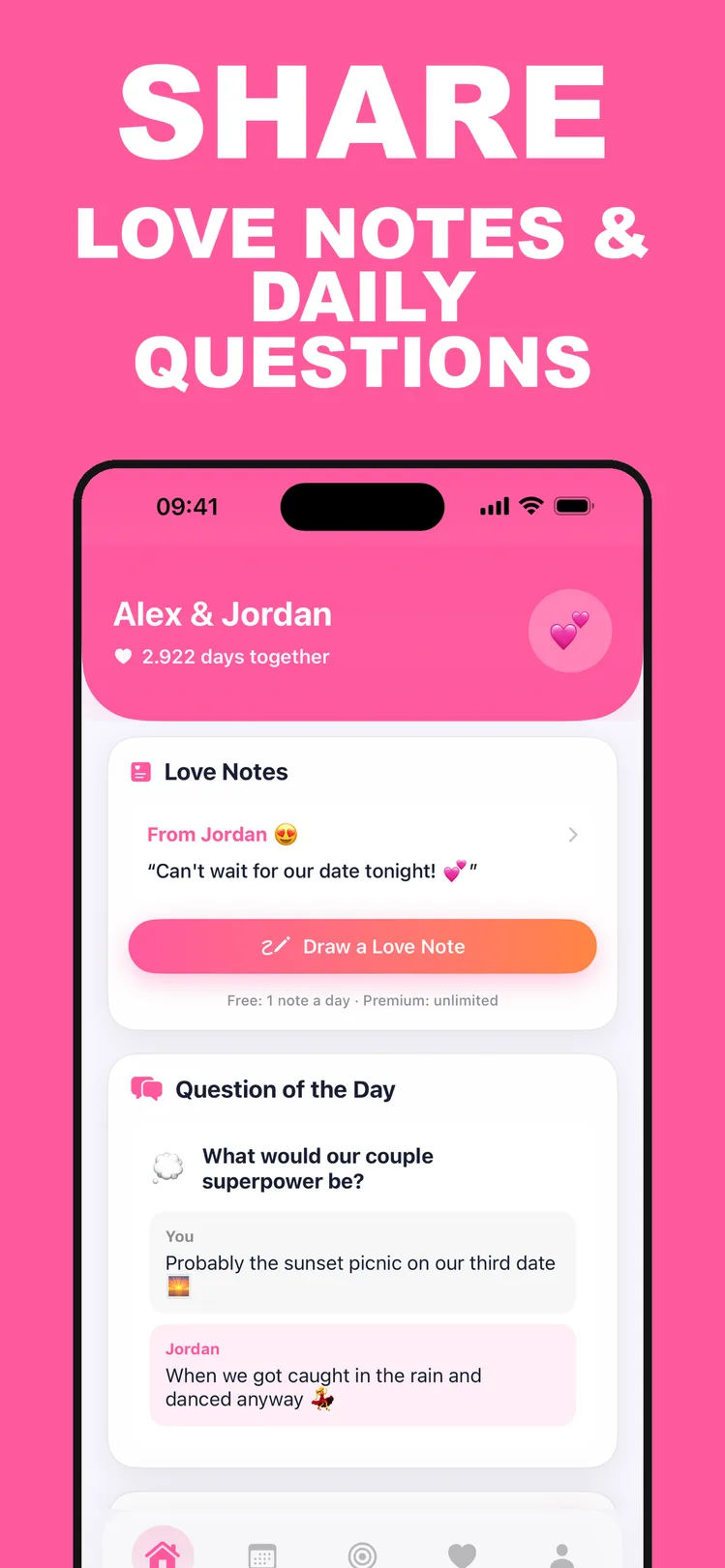
- 1Asynchronous notes: something small they find when they wake up beats a call neither of you had the energy for.
- 2A shared daily ritual that takes a minute — the same question, answered separately, revealed together.
- 3Visible countdowns to the next visit, which reframes the distance as finite.
- 4Parallel activity: playing the same game or watching the same thing separately, then talking about it.
- 5Keeping a shared record of plans, so the relationship has a future tense and not just a present one.
The role of the Home Screen
There is a real difference between a message inside an app and something visible without opening anything. A widget on the Home Screen is seen dozens of times a day without any deliberate act of checking.
For distance especially, that ambient presence does more than a longer conversation once a day, because it is what makes the other person feel nearby rather than scheduled.

Setting up your shared space in CoupleGoals
- 1
Link both phones
One shared space, visible to the two of you and nobody else.
- 2
Add the widget
Put the CoupleGoals widget on both Home Screens so notes arrive where they will be seen.
- 3
Make the daily question your ritual
A minute each, at whatever hour suits your time zones — no scheduling required.
- 4
Count down to the next visit
Add the date as a key date so the countdown sits on both screens.

Free to download on iPhone & iPad
Frequently asked questions
Does CoupleGoals work across time zones?
Yes — notes and daily questions are asynchronous, so neither of you has to be awake at the same time.
Do both partners need Premium?
No. When either partner subscribes, Premium unlocks on both phones.