Most medication apps fail older users for boring reasons: text too small, buttons too close together, features buried in menus, and notifications that are easy to dismiss by accident. For a senior managing five or more daily medicines, the app must be simpler than the paper list it replaces.
Here is what genuinely senior-friendly looks like, and a setup a son or daughter can complete in ten minutes on a parent's iPhone.
The senior-friendly checklist
- Large, high-contrast text readable without glasses at arm's length.
- One main screen: today's medicines as a simple checklist — no dashboards, no tabs to hunt through.
- Big tap targets: "Taken" should be impossible to miss with an unsteady finger.
- Loud, persistent reminders with snooze — a silent badge is not a reminder.
- No account, no ads, no popups asking for ratings mid-dose.
Setting it up for a parent (10 minutes)
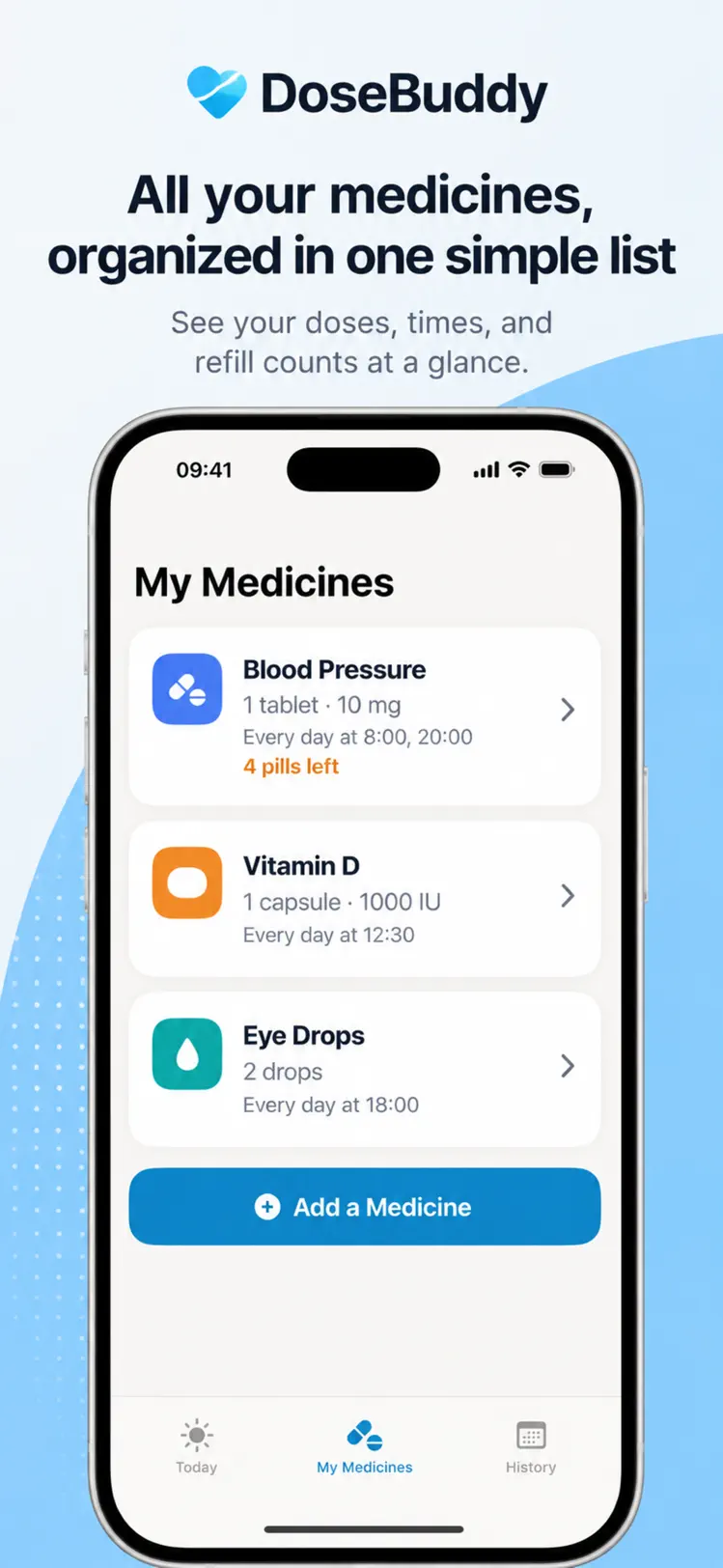
- 1Sit together with the actual pill bottles and enter each medicine with its exact dosage text from the label.
- 2Set reminder times matching their real routine — not the "ideal" schedule, the one they actually live.
- 3Turn iPhone text size up in Settings → Display & Brightness if needed; a good app respects it.
- 4Do one practice run: let the reminder fire, and have them mark it taken themselves.
- 5Enable refill warnings so the app — not memory — watches the pill count.

Why DoseBuddy works for older adults
- 1
Everything is big by design
DoseBuddy uses large text, high contrast and generous buttons throughout — designed for readability first.
- 2
Today is one simple list
The main screen is just today's medicines in order. Tap the big checkmark when taken — done.
- 3
Reminders that persist
Alarms name the medicine and wait for confirmation; snooze gives a few more minutes instead of losing the dose.
- 4
Family stays in the loop
The PDF medicine list shares the full, current medication plan with doctors and family in one tap.

Free to download on iPhone & iPad
Frequently asked questions
Can a family member set up DoseBuddy remotely?
The fastest path is 10 minutes together with the pill bottles (in person or on a video call). After setup, day-to-day use is a single checklist tap.
Does DoseBuddy require an account or subscription?
No account is needed. The app is free for everyday use; Premium adds unlimited medicines, multiple reminder times, refill tracking and full history.