Photo-based calorie counting works exactly the way it sounds: you photograph your plate, and an AI model identifies the foods, estimates portion sizes and returns calories, protein, carbs and fat. What took two minutes of database searching per meal now takes five seconds.
The technology matters because logging friction — not lack of willpower — is why most people abandon calorie tracking within three weeks. Remove the friction, and tracking becomes sustainable for months.
How AI food recognition works
Modern food-recognition models are trained on millions of labeled meal photos. From one image they detect the individual foods (rice, grilled chicken, broccoli), estimate the portion of each from visual cues like plate coverage and depth, and map everything to a nutrition database to compute calories and macros.
- Mixed plates are fine: the AI separates components and estimates each one.
- You can always adjust: if the AI sees 150 g of rice and you had 250 g, one tap fixes the estimate.
- Every logged photo improves consistency — you converge on your true intake quickly.
How accurate is photo calorie counting?
Studies and real-world tests put AI photo estimates within roughly 10–20% of true calories for typical meals — remarkably close to manual logging, where people routinely underestimate portions by 20–40%. In other words: photo logging is about as accurate as careful manual logging, and dramatically more accurate than tired, inconsistent manual logging. For weight management, consistency beats precision — and consistency is what photo logging delivers.
When to use barcode or search instead
- Packaged foods: scan the barcode — label data beats any estimate.
- Drinks and oils: hard to judge visually; log them manually.
- Repeated custom recipes: search once, save, and reuse.

How to log your first meal with MacroMora
- 1
Open the camera
Tap the camera button in MacroMora and photograph your plate from above in decent light.
- 2
Review the AI result
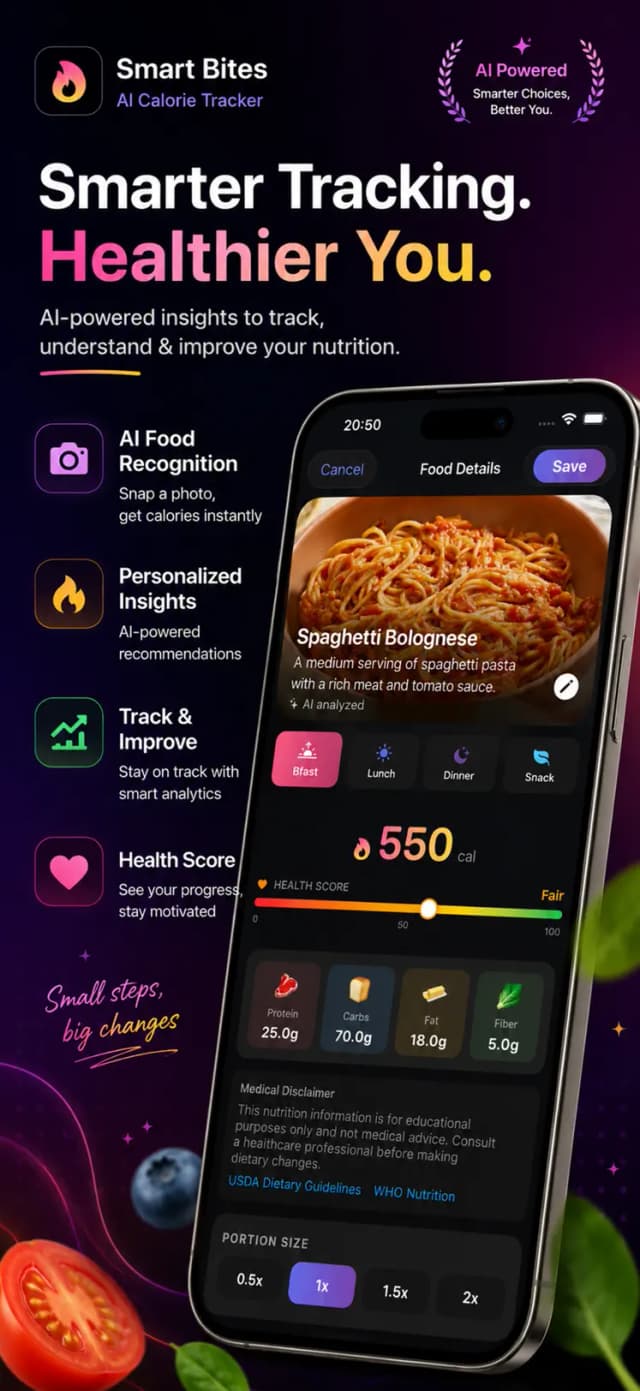
In seconds you see the detected foods with calories, protein, carbs and fat. Adjust portions if needed.
- 3
Confirm the log
One tap adds the meal to your day — your remaining calorie and macro budget updates instantly.
- 4
Fill the gaps
Scan barcodes for packaged snacks and use manual search for drinks — your full day stays accurate.

Free to download on iPhone & iPad
Frequently asked questions
Is AI photo calorie counting accurate enough for weight loss?
Yes — estimates typically land within 10–20% of true values, comparable to careful manual logging. Because it removes logging fatigue, real-world accuracy over weeks is usually better than manual tracking.
Does it work with homemade meals?
Yes — the AI recognizes components of mixed home-cooked plates and estimates each. You can adjust any portion before saving.