

Count Calories by Taking a Photo
MacroMora is an AI calorie tracker for iPhone that makes logging effortless: snap a photo of your meal and the AI recognizes it in seconds, logging calories, protein, carbs and fat automatically. Barcode scanner and manual search included — endless typing not.

Price
Free
Category
Health
Platforms
iPhone · iPad
Features
Everything MacroMora can do
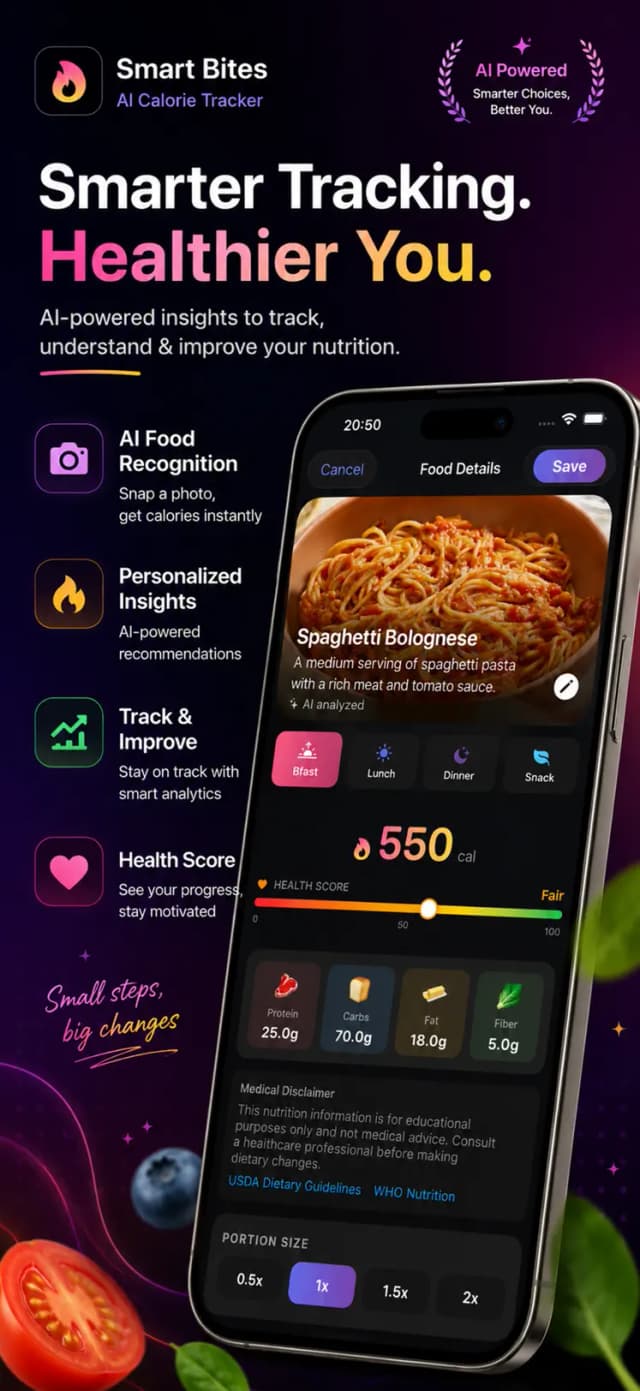
Snap & Log With AI
Take a quick photo and the AI recognizes the meal, estimates portions and logs calories automatically. Homemade dinner or restaurant plate — five seconds, done.
Barcode Scanner
Scan any packaged food to pull calories and macros instantly from the label — perfect for snacks, drinks and supermarket staples.
Macros Made Simple
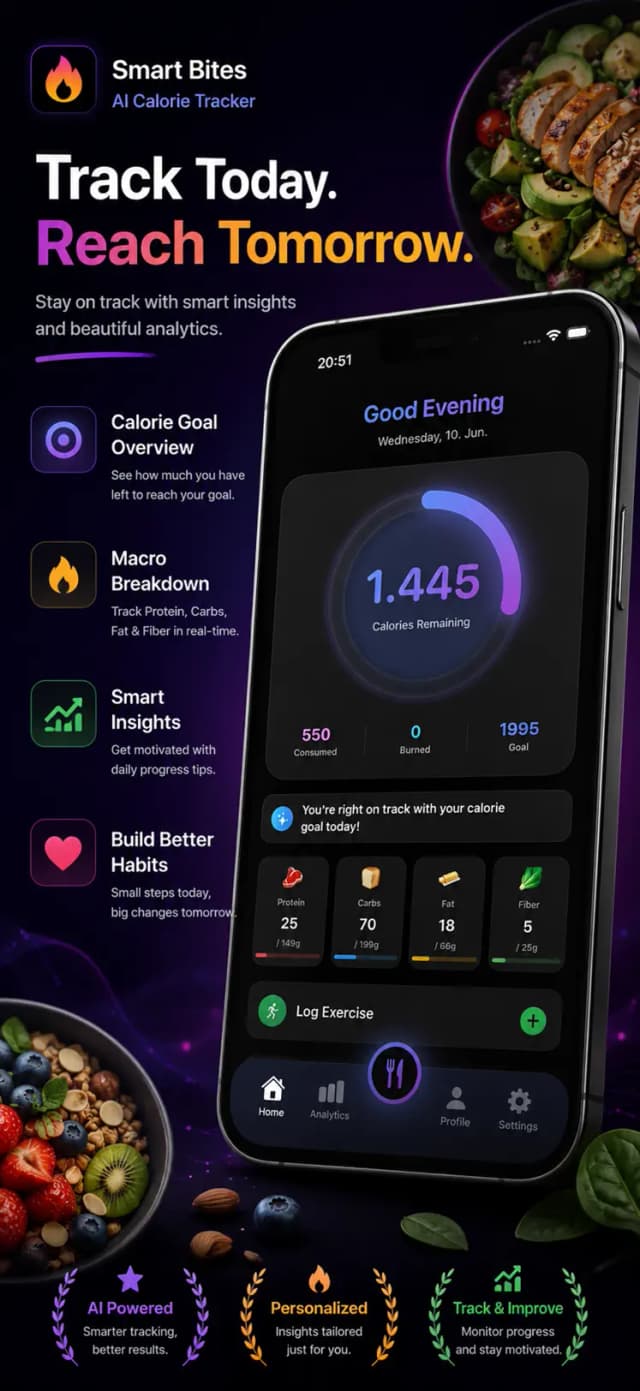
Protein, carbs and fat in one clean daily overview. See how each meal moves your numbers — without drowning in dashboards.
Personal Daily Targets
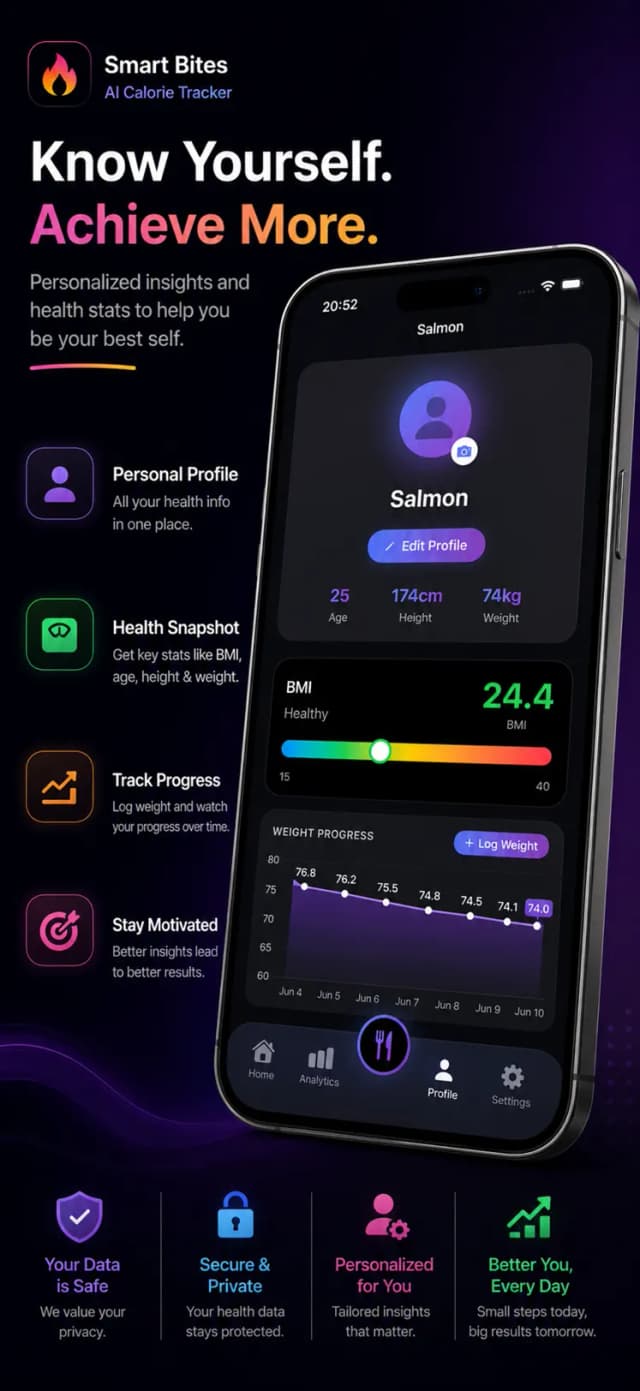
Set goals for weight loss, maintenance or muscle gain and get daily calorie and macro targets matched to them.
Progress You Can See
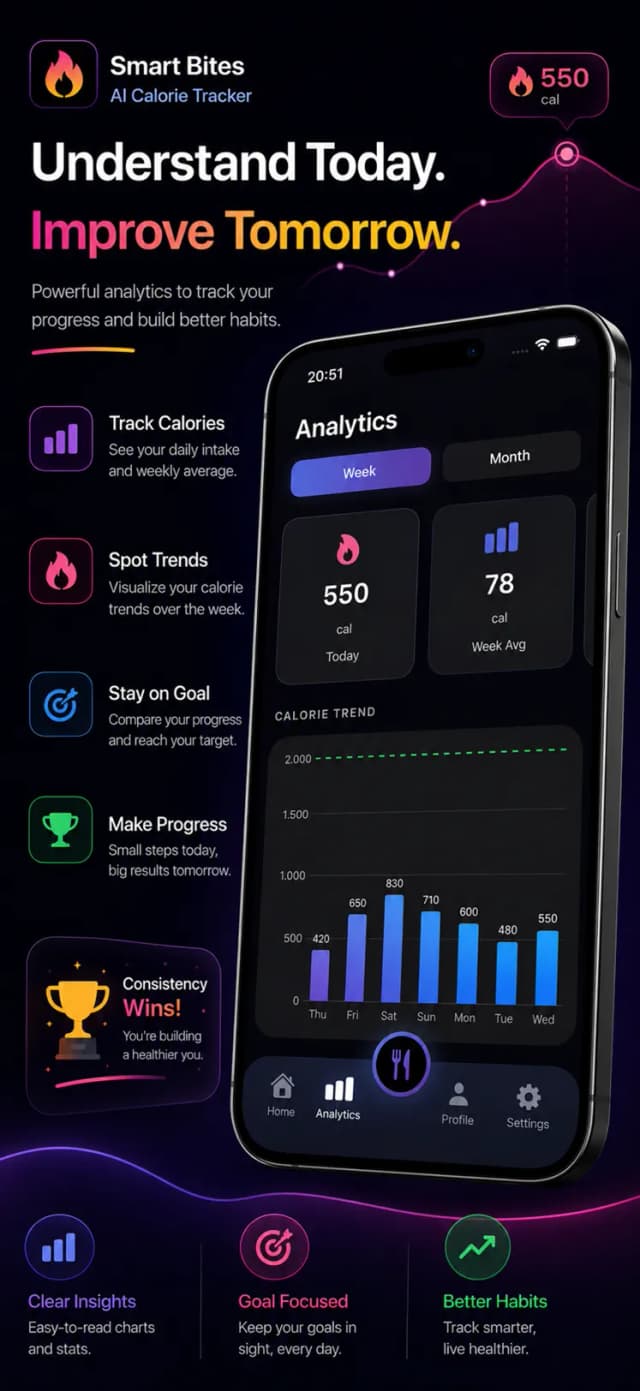
Daily and weekly charts show your intake trends and progress toward your goal — the feedback loop that keeps a diet alive.
Manual Search When You Want It
Prefer precision for custom meals? Search the food database manually anytime — AI convenience never takes away control.
Screenshots
A look inside MacroMora
How it works
Up and running in 4 steps
Set Your Goal
Choose weight loss, maintenance or muscle gain and get your daily calorie and macro targets.
Snap Your Meals
Photograph each meal — the AI identifies the food and logs calories and macros in seconds.
Scan or Search Extras
Use the barcode scanner for packaged foods and manual search for custom recipes.
Watch the Trend
Check your daily overview and weekly charts to stay on target and adjust as you go.
Guides
Go deeper with MacroMora
In-depth answers to what people actually search for — and how MacroMora solves it.
FAQ
Questions, answered
What is MacroMora?
MacroMora is an AI-powered calorie and macro tracker for iPhone: photograph your meal and the AI logs calories, protein, carbs and fat automatically — with barcode scanning and manual search when you want them.
Learn moreHow accurate is the AI food recognition?
Typical estimates land within 10–20% of true values — comparable to careful manual logging, and you can adjust any portion before saving. For packaged foods, the barcode scanner uses exact label data.
Learn moreCan MacroMora help me lose weight?
Yes — set a weight-loss goal and MacroMora gives you a daily calorie target with a built-in deficit, then makes staying in it easy with five-second photo logging and clear progress charts.
Learn moreDoes MacroMora track protein and macros?
Yes — every log includes protein, carbs and fat, with daily targets and a clean overview. It works great as a dedicated protein tracker too.
Learn moreIs MacroMora free?
MacroMora is free to download and start using. Premium plans unlock unlimited AI photo scans and advanced insights.
How is MacroMora different from MyFitnessPal?
MacroMora is built around AI photo logging first — five seconds per meal instead of database searching. It keeps macros simple with one clean daily overview instead of heavy dashboards.
Start Tracking the Effortless Way
Download MacroMora free and log your next meal with a single photo. Your calorie and macro targets are ready in two minutes.
Free to download • In-app purchases available