
Eat Better Portions Without Logging Every Meal
PortionPal is portion control without the spreadsheet. Build a balanced plate for breakfast, lunch and dinner, learn what a real serving of protein, carbs, vegetables and fat looks like, and keep it consistent — no barcode scanning, no calorie diary.

Price
Free
Category
Health
Platforms
iPhone
Features
Everything PortionPal can do
Build a Balanced Plate
See what a complete breakfast, lunch or dinner should look like: how much of the plate is protein, how much is carbohydrate, how much is vegetables and where fats fit in.
Real Serving Sizes
Learn what one portion actually is — for rice, pasta, meat, cheese, oil and the rest — in terms you can judge by eye instead of weighing.
Portions for Your Goal
Adjust portions towards weight loss, maintenance or a higher protein intake without switching to a calorie-counting mindset.
Made for Real Meals
Use it while you cook, plate up or check whether what is in front of you is balanced — not two hours later when you are trying to remember what you ate.
Plan Before You Shop
Deciding portions ahead of the supermarket makes the trolley smaller and the week simpler — you buy for the plates you intend to eat.
Consistency Over Perfection
Small, repeatable changes beat strict plans that last ten days. PortionPal is built for the version of healthy eating you can still be doing next spring.
Screenshots
A look inside PortionPal
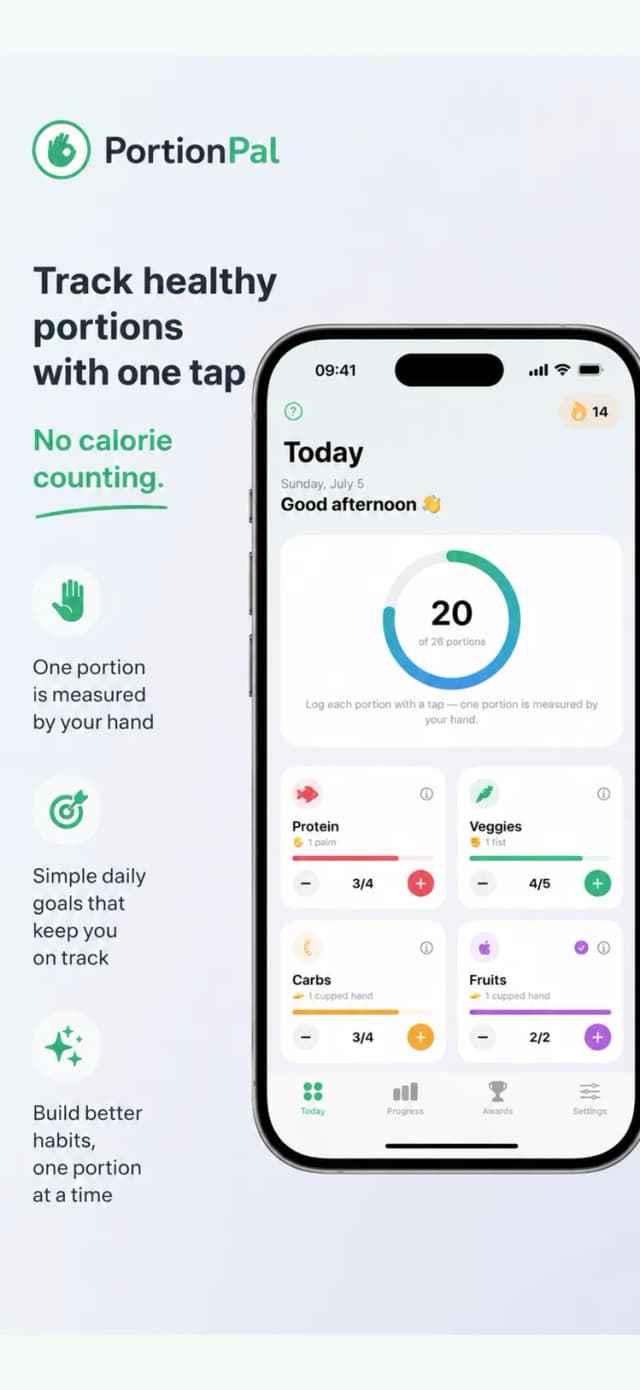
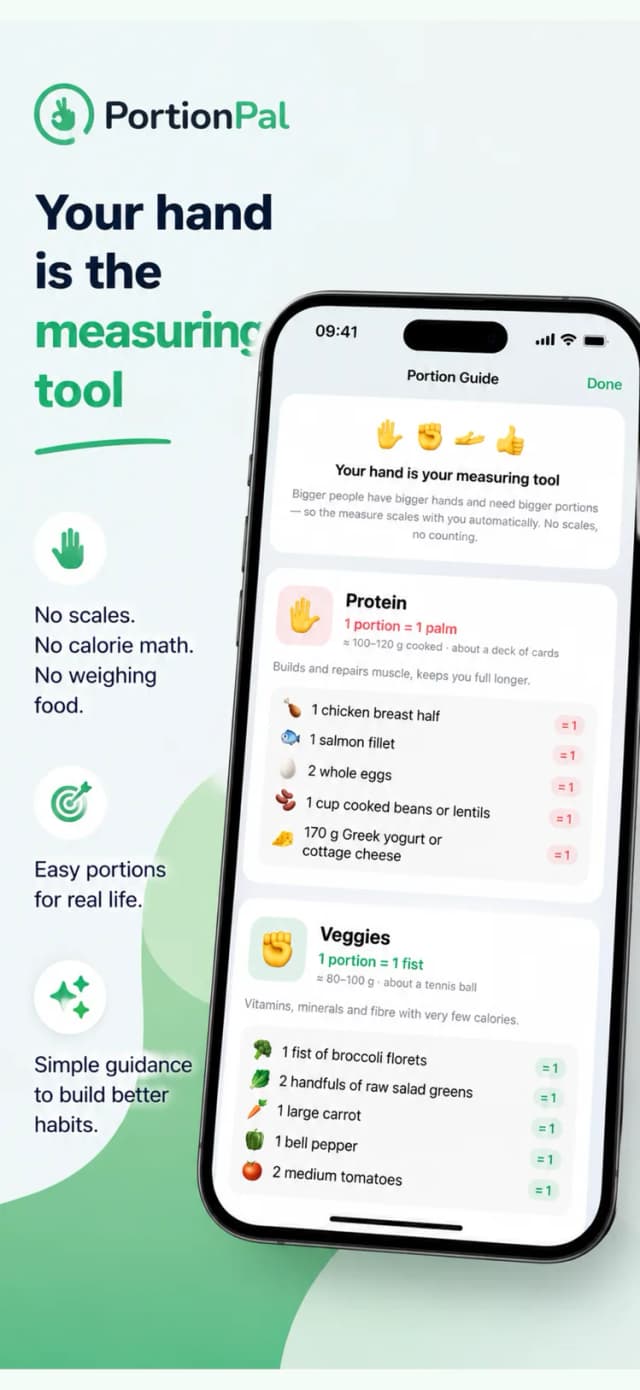
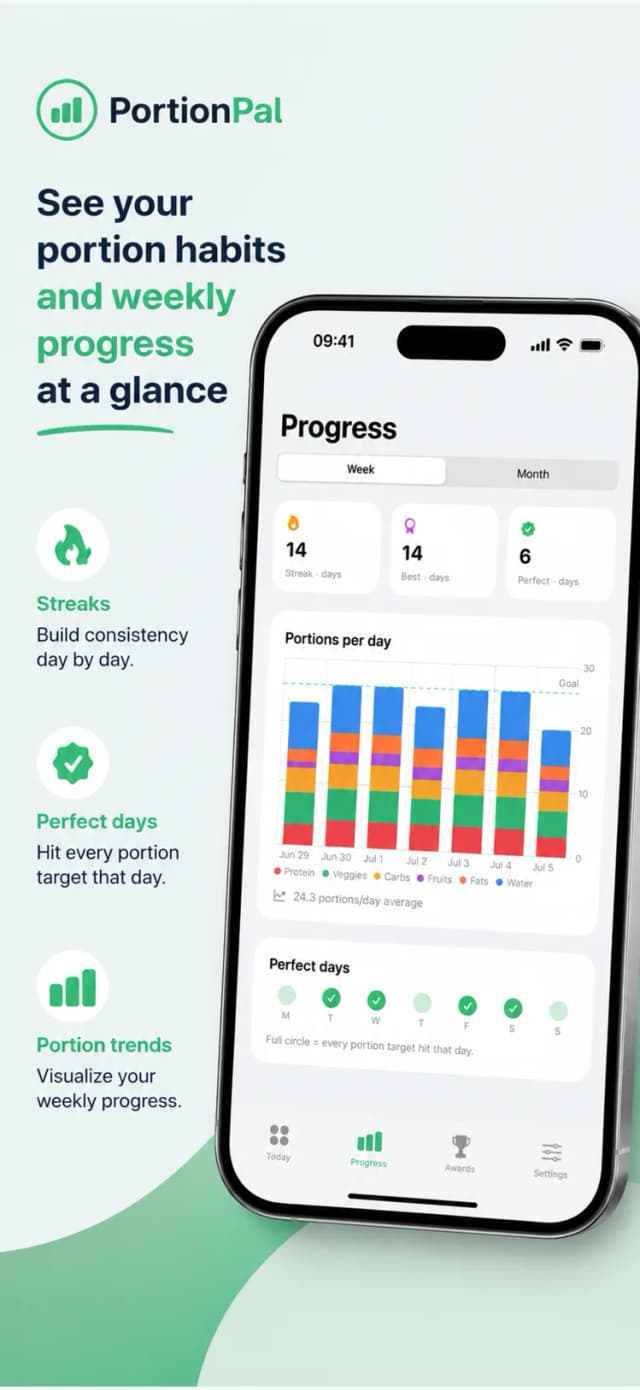
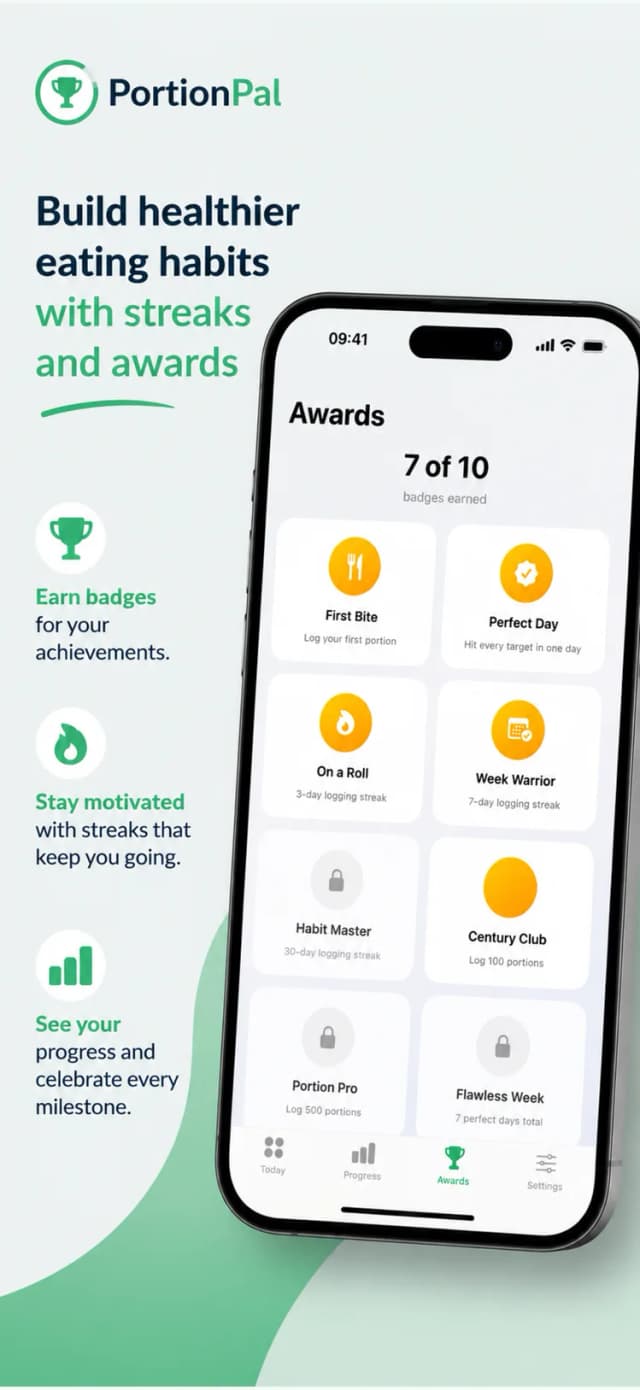
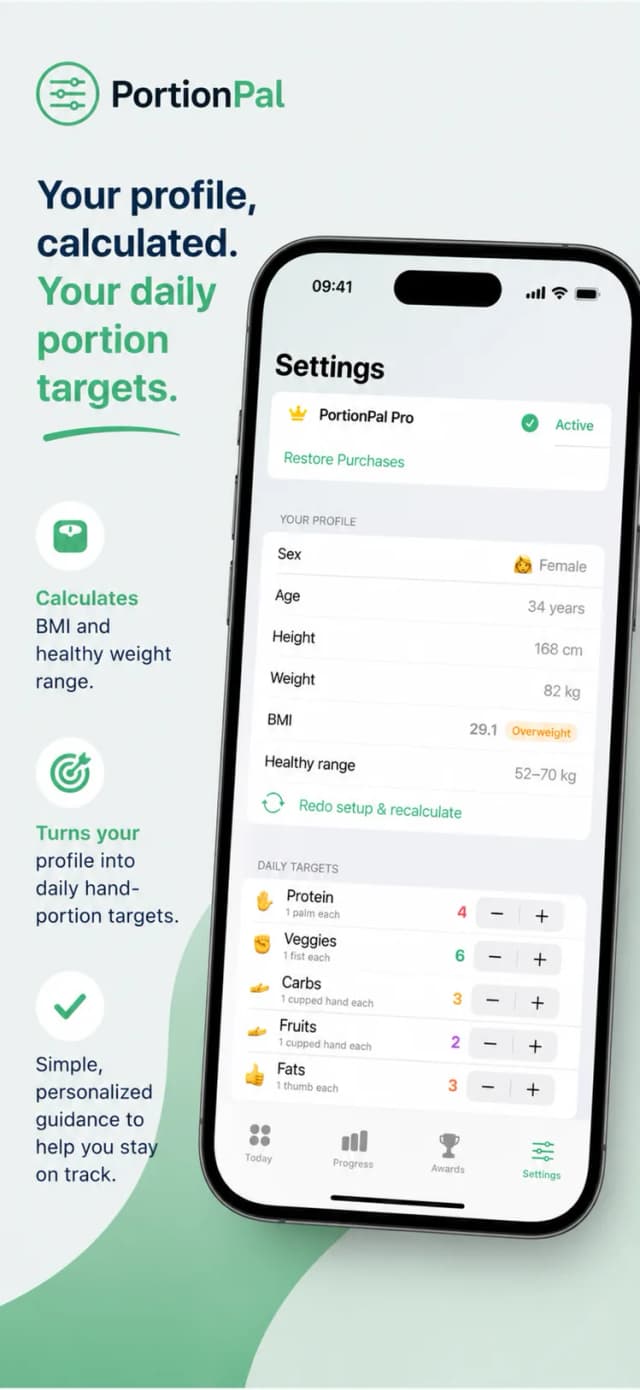
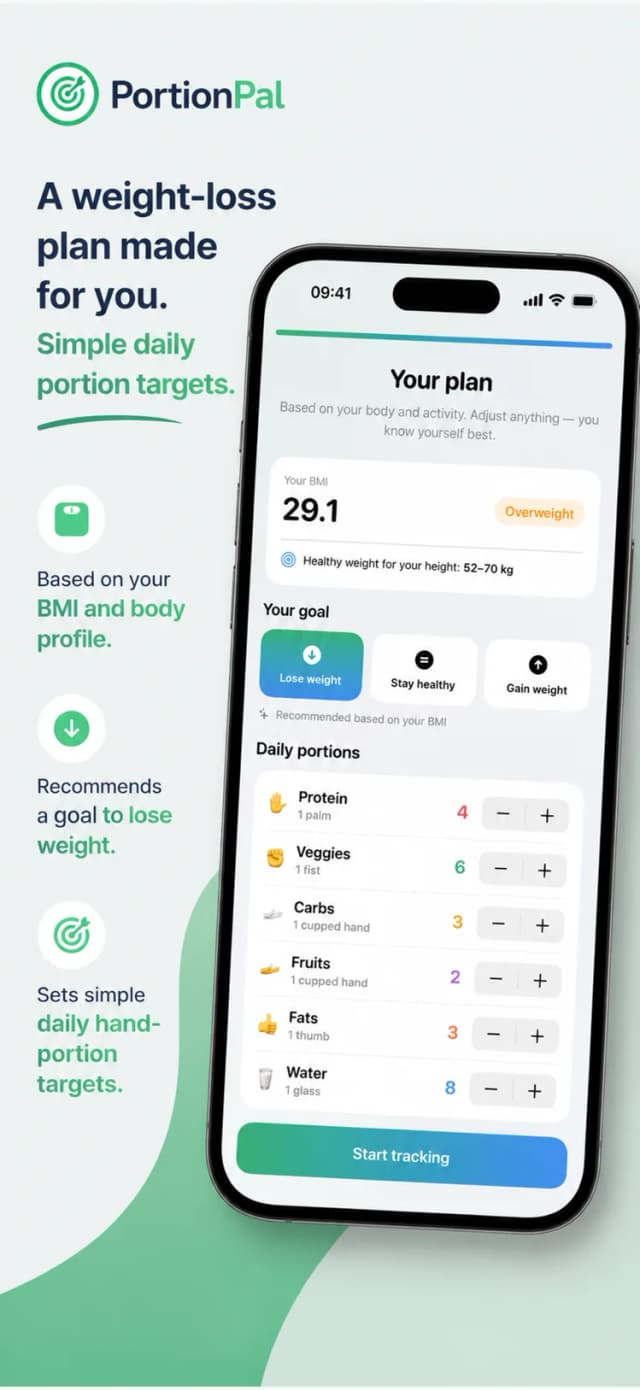
How it works
Up and running in 4 steps
Pick the Meal
Breakfast, lunch or dinner — start from the meal you are actually about to eat.
Set Your Portions
Choose portions for protein, carbohydrate, vegetables and fats.
Plate It Up
Use the guidance while serving, so the balance happens on the plate.
Repeat Tomorrow
The same simple structure, meal after meal, is what makes it stick.
PortionPal Pro
Optional in-app purchase
- Full portion and meal planning tools
- Guidance for more goals and meal types
- Subscription or lifetime unlock
- Free features stay usable without buying
Guides
Go deeper with PortionPal
In-depth answers to what people actually search for — and how PortionPal solves it.
FAQ
Questions, answered
What is PortionPal?
PortionPal is a portion control app for iPhone. It helps you build balanced plates and learn practical serving sizes for protein, carbohydrates, vegetables and fats — without calorie counting or food logging.
Learn moreCan portion control help me lose weight?
Yes — right-sizing portions reduces intake without a diary, which is why many people stick with it far longer than calorie counting.
Learn moreDo I need kitchen scales?
No. PortionPal works with practical serving references you can judge by eye and by hand, including when you eat out.
Learn moreDoes PortionPal count calories or macros?
No — it deliberately avoids logging. The focus is portion size and plate balance.
Does it work for vegetarian and vegan meals?
Yes. The protein portion can come from pulses, tofu, tempeh, eggs or dairy — the plate structure stays the same.
Is PortionPal free?
Yes, PortionPal is free to download and use. An optional Pro purchase unlocks the full planning tools; free features remain available without buying.
Better Portions, Starting With Your Next Meal
Download PortionPal free and build your next plate with guidance instead of guesswork.
Free to download • Optional in-app purchases