There are two failure modes for football fans: the live-score app that pings you forty times a day about leagues you don't follow, and the calendar that stays silent because you never entered the fixtures. Both end the same way — you look up from your day and the match you cared about is in the 60th minute.
The fix is a planner mindset: pick your matches once, choose when you want to be nudged, and let the system handle the rest.
Designing reminders you won't ignore
- One reminder per match beats five: alert fatigue is why you swipe away the important ones.
- Time it to your reality: 15 minutes works for home viewing; an hour if you're heading to a bar or a friend's place.
- Big matches deserve a day-before nudge too — for planning, not just watching.
- Reminders should name the fixture and local kickoff time in the notification itself, no unlock required.
Why a planner beats a live-score app for this
Live-score apps optimize for engagement during matches — goals, cards, lineups, transfer gossip. Great when you're already watching; noise when you're living your life. A schedule planner inverts the model: silence by default, and exactly one timely nudge for exactly the matches you pre-selected. Your attention stays yours until kickoff.

Setting up reminders in Football Schedule Planner
- 1
Build your watchlist
Save your teams and the individual fixtures you plan to watch — group games, knockouts, finals.
- 2
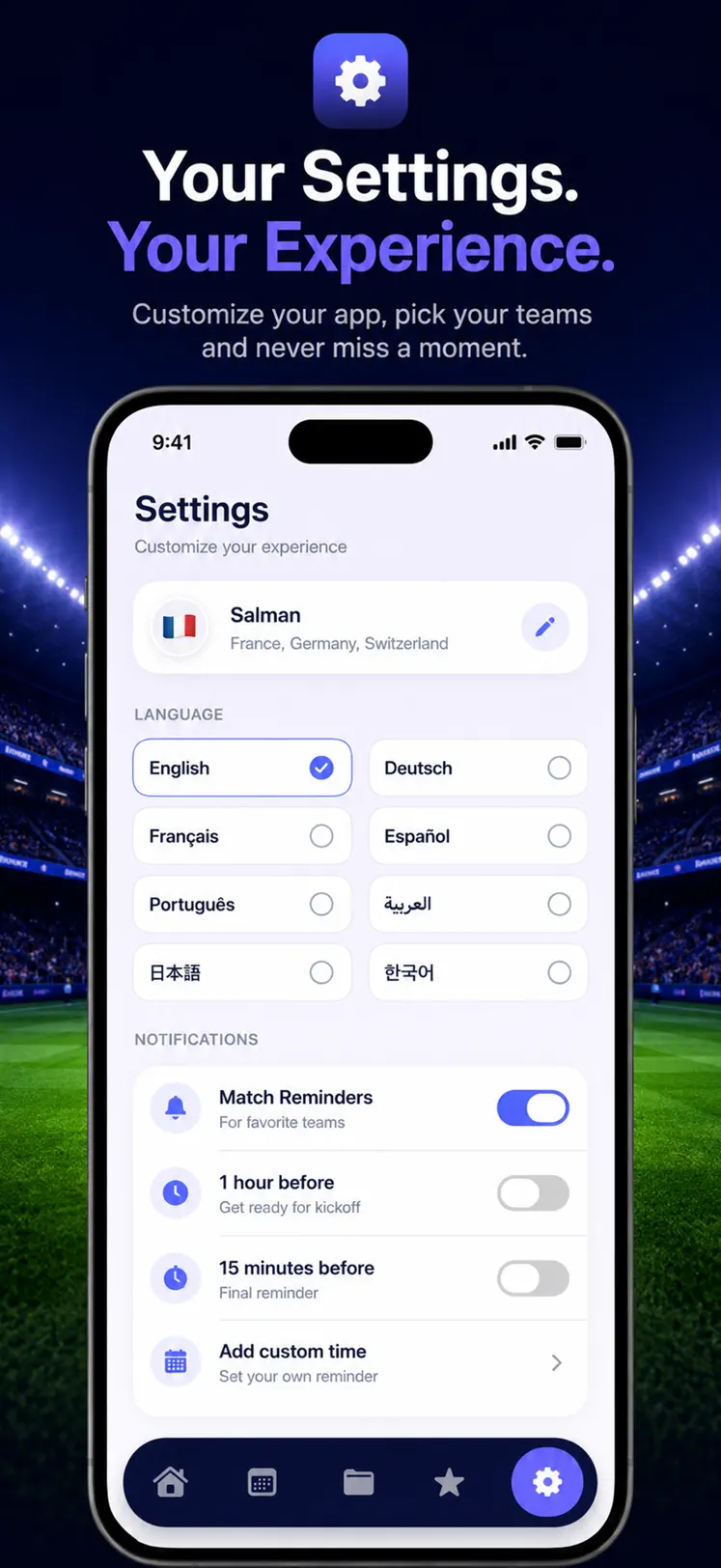
Choose your lead time
Set reminders 15 minutes, an hour or a day before kickoff — per match, matching your plans.
- 3
Add notes for plans
Attach a note to each match — where you're watching, who's hosting — and it travels with the reminder.
- 4
Stay silent otherwise
No goals-in-other-leagues spam: the app only speaks when a match you chose is coming up.

Free to download on iPhone & iPad
Frequently asked questions
Can I get reminders for every match of my team?
Yes — save the team and every fixture, including future knockout slots as they are decided, feeds your reminders.
Does it work for matches at 4 AM local time?
The reminder fires whenever you scheduled it — and for brutal time zones, the day-before nudge helps you decide between the alarm clock and the replay.