At most mid-size and large companies, your resume's first reader is software: an Applicant Tracking System (ATS) that parses your file into a database and often scores it against the job description. Resumes the parser cannot read cleanly get ranked low or lost — no matter how qualified the candidate.
The fix is not gaming the system; it is removing the obstacles. ATS-friendly formatting is mostly about what to avoid.
The formatting rules
- Use standard section headings: "Work Experience", "Education", "Skills" — parsers key on these exact words.
- Real text only: no text embedded in images, no icon fonts for contact info.
- Single-column layouts parse most reliably; complex multi-column designs can scramble reading order.
- Standard fonts and simple bullets — decorative symbols can turn into garbage characters.
- Export as PDF with selectable text (if you can highlight the text in the PDF, a parser can read it).
- Dates in consistent format: "May 2024 – Aug 2025" — parsers compute your experience length from them.
Keywords: mirror the job description
ATS scoring compares your resume against the job posting. If the ad says "customer service" and your resume says "client relations", you may lose the match. Before each application, scan the posting for its recurring terms — skills, tools, certifications — and use the same wording where it is truthfully yours. Tailoring three to five keywords per application measurably improves pass-through rates.
What NOT to do
- No keyword stuffing in white text — modern systems detect it and recruiters reject it on sight.
- No headers/footers for critical info — some parsers skip them; keep contact details in the body.
- No tables for layout — table cells parse unpredictably.

Building an ATS-safe resume in CV Maker
- 1
Pick an ATS-friendly template
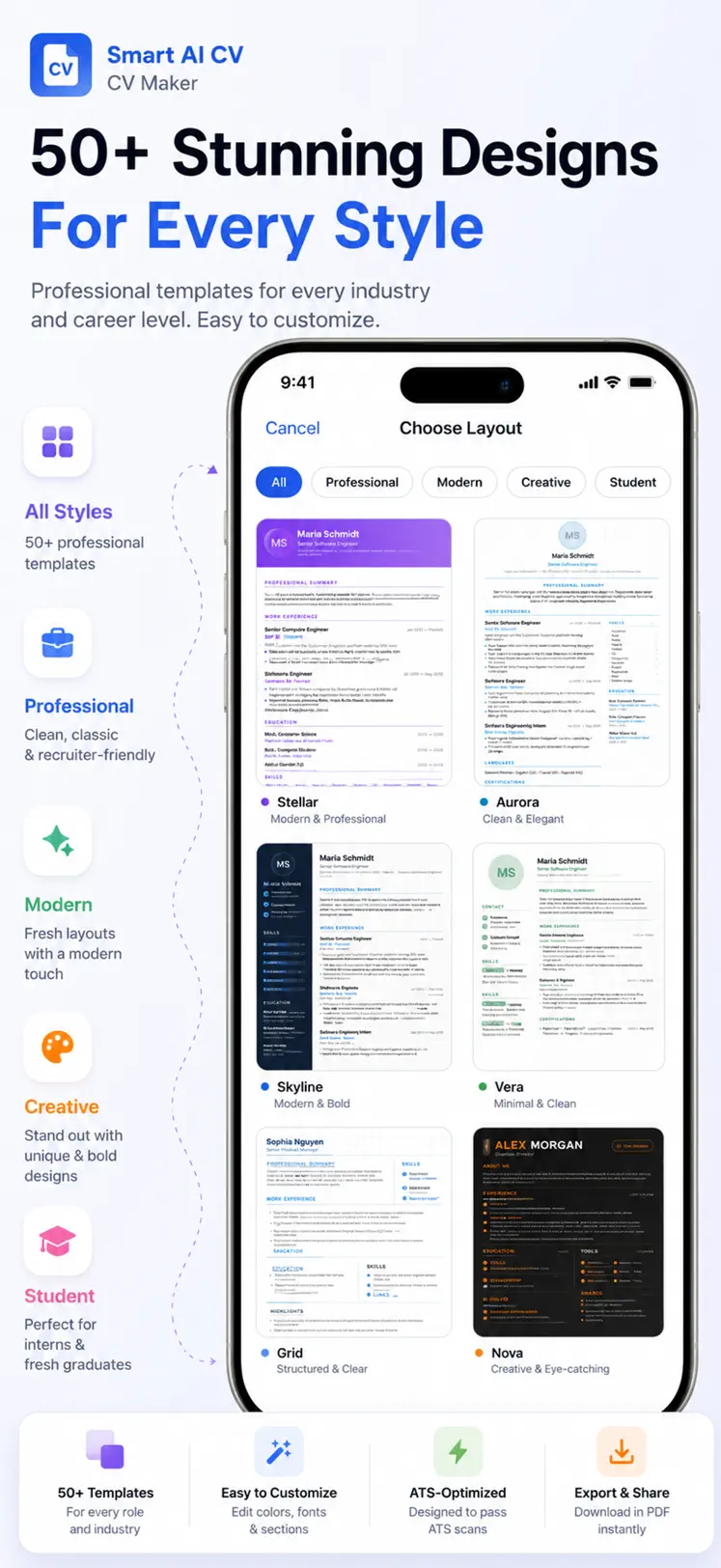
CV Maker's clean layouts use standard headings and parse-safe structure out of the box.
- 2
Fill standard sections
The guided sections map exactly to what tracking systems look for — experience, education, skills.
- 3
Tailor keywords with AI
Paste the job's key phrases into your bullets and let AI weave them in naturally and truthfully.
- 4
Export a text-true PDF
The exported PDF contains real selectable text — exactly what parsers need.

Free to download on iPhone & iPad
Frequently asked questions
Do beautiful designed resumes fail ATS?
Heavily designed multi-column resumes often parse badly. Save the creative version for networking and portfolios; submit the clean version through application portals.
PDF or Word for ATS?
A text-based PDF is safe for virtually all modern systems and preserves your formatting. Only submit .docx if the posting explicitly asks for it.